Free AI Tools for Students
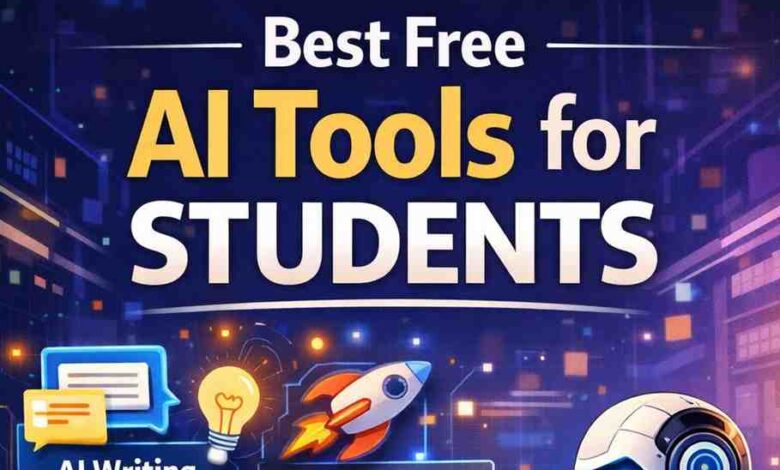
Finding the right tools can make studying easier and more productive. Today, students can take advantage of free AI tools that help with writing, research, note-taking, and even solving complex problems. These tools save time, improve understanding, and boost creativity without any cost. In this post, you’ll discover some of the best free AI tools designed especially for students. Whether you want to write faster, learn smarter, or stay organized, these tools can support your academic journey and help you achieve better results with less effort.
1. Notion AI
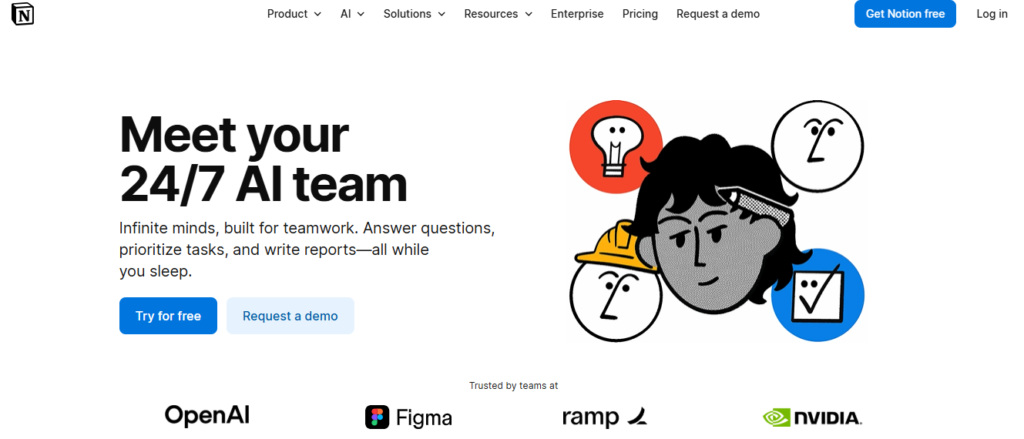
Staying organized and productive can be challenging, especially when you’re juggling multiple tasks or deadlines. That’s where Notion AI comes in to simplify your workflow and boost efficiency. In this article, you’ll learn how it helps with writing, summarizing notes, generating ideas, and managing projects in one place. It’s a powerful tool for students, freelancers, bloggers, and online earners who want to save time and work smarter. With its easy-to-use features, you can turn messy tasks into clear, organized results effortlessly.
Features
- AI Writing & Editing: Helps you write, rewrite, and improve content instantly with features like tone change, grammar fix, and content expansion.
- Smart Summarization: Quickly turns long notes, documents, or meeting content into short summaries and key points.
- AI Agents & Automation: Can handle tasks like creating pages, managing databases, and completing workflows automatically in the background.
- Workspace Q&A Search: Lets you ask questions in simple language and get answers from your entire workspace instantly.
- Translation & Idea Generation: Supports multiple languages and helps generate ideas, outlines, and action items for projects.
2. Taskade AI
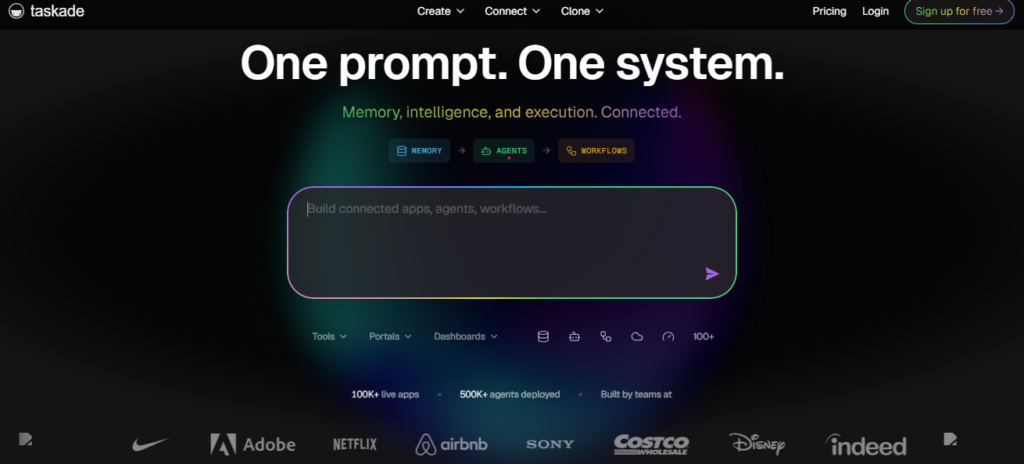
Struggling to stay organized, manage tasks, and keep your ideas in one place? That’s where Taskade AI comes in—a smart tool designed to simplify your workflow.
In this article, you’ll discover how it helps students, freelancers, bloggers, and online earners boost productivity and save time. From AI-powered task lists to real-time collaboration, it keeps everything structured and easy to manage. If you want to work smarter, stay focused, and get more done without stress, this tool is definitely worth exploring.
Features
- Build full apps, workflows, and dashboards using simple text prompts with the Genesis feature—no coding needed.
- Create custom AI agents that act like team members, each with its own knowledge, role, and personality.
- Automate tasks and workflows with AI that can trigger actions, send updates, and connect with 100+ tools.
- Choose from multiple advanced AI models (like GPT, Claude, and Gemini) to match different tasks and improve results.
- Analyze files, generate content, and get real-time insights using AI that can learn from your data and connected sources.
3. Mindgrasp AI
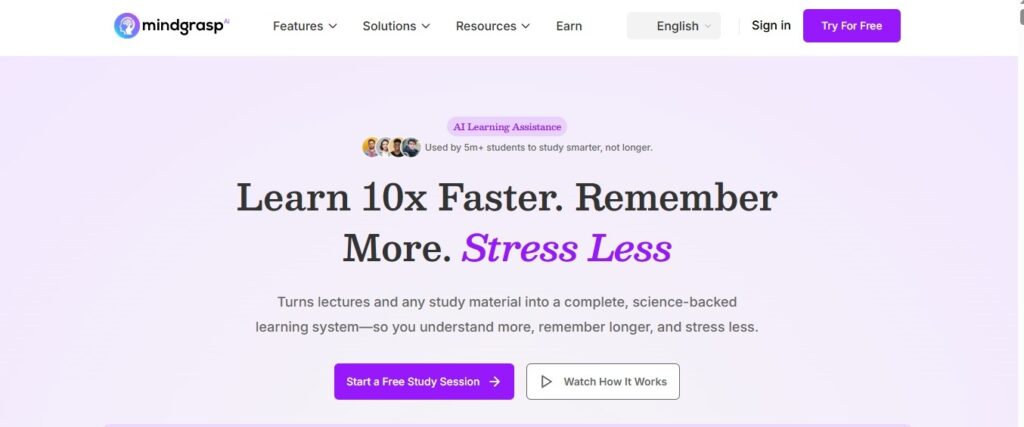
Feeling overwhelmed by long lectures, PDFs, or videos that take hours to understand? Many students and online earners struggle to keep up and save time.
Mindgrasp AI helps you quickly summarize content, create smart notes, and get instant answers from your materials. In this article, you’ll learn how to study faster, improve productivity, and turn information into useful insights. It’s a simple yet powerful solution for students, freelancers, and bloggers who want to learn more in less time.
Features
- Upload files, videos, or links and turn them into clear summaries and notes in seconds, saving hours of study time.
- Get instant answers with an AI tutor that understands your material and can even search the web for extra information.
- Automatically create quizzes and flashcards to help you practice and remember what you learn more effectively.
- Record lectures or upload audio, and the tool will transcribe and organize everything into structured notes.
- Supports many formats (PDFs, videos, images, and more) and lets you organize all study materials in one place for easy access.
4. Studyable AI
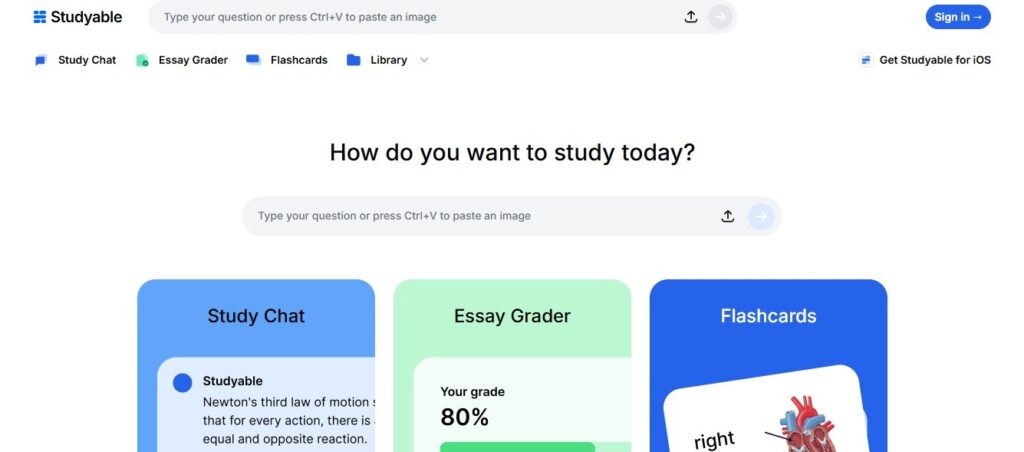
Studying, writing, and managing tasks online can feel overwhelming, especially when time is limited and deadlines are tight. Many students and freelancers struggle to stay organized while producing quality work. Studyable AI is designed to make this easier by helping you research, write, and learn faster with smart AI support. In this article, you’ll discover how it can boost productivity, improve your work quality, and save valuable time in your daily tasks.
Features
- Take a photo or type any question and get instant step-by-step answers, making homework much easier to understand.
- Chat with an AI tutor that can explain concepts, solve problems, and even understand images for better learning support. Automatically create flashcards, quizzes, and summaries from your notes to help you revise faster.
- Get smart feedback and grading on essays to improve your writing and academic performance.
- Supports multiple subjects like math, science, and languages, with tools like graph plotting and detailed explanations.
5. Scholarcy
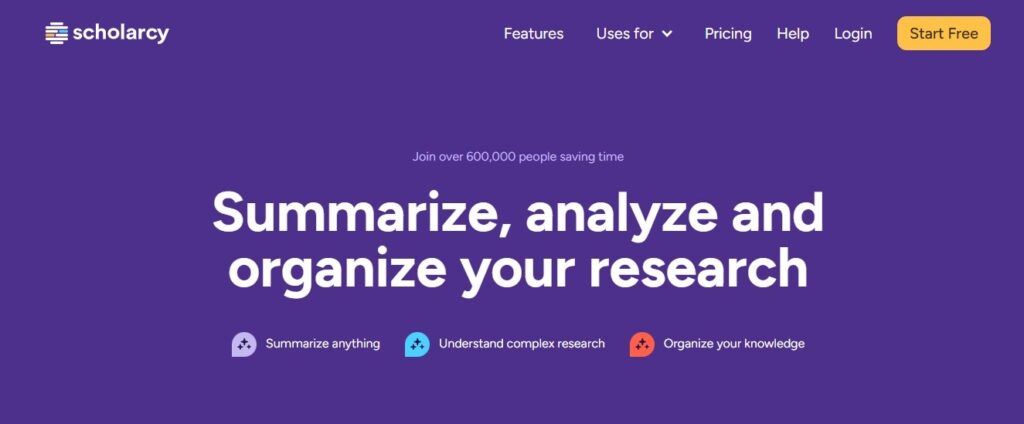
Reading long research papers and extracting key points can take hours, especially when you’re short on time. Many students and freelancers struggle to quickly understand complex content.Scholarcy helps simplify this by turning lengthy articles into clear summaries, key insights, and flashcards in minutes. In this article, you’ll learn how it can save time, improve understanding, and help you work smarter with research and content.
Features
- Turn long research papers, PDFs, or articles into simple summary flashcards that highlight key points and save reading time.
- Automatically extract important details like findings, data, and references, so you can quickly understand any document.
- Create structured summaries with clear sections, making complex topics easier to read and learn.
- Generate ready-to-use bibliographies and citations in one click, helping with assignments and research work.
- Compare studies and analyze research quality with built-in tools, so you can evaluate information more effectively.
6. Difference Table
AI Tools Comparison for Students
| AI Tool | Key Features | Differences |
|---|---|---|
Notion AI |
|
|
Taskade AI |
|
|
Mindgrasp AI |
|
|
Studyable AI |
|
|
Scholarcy |
|
|