Text To Video AI Tools Free
Creating videos can be time-consuming, especially if you don’t have editing skills. This post introduces powerful AI tools that turn simple text into engaging videos in minutes. You’ll discover how these tools can help students, freelancers, and content creators save time and boost creativity. By the end, you’ll know how to easily transform your ideas into professional-looking videos without any technical hassle.
1. Pictory
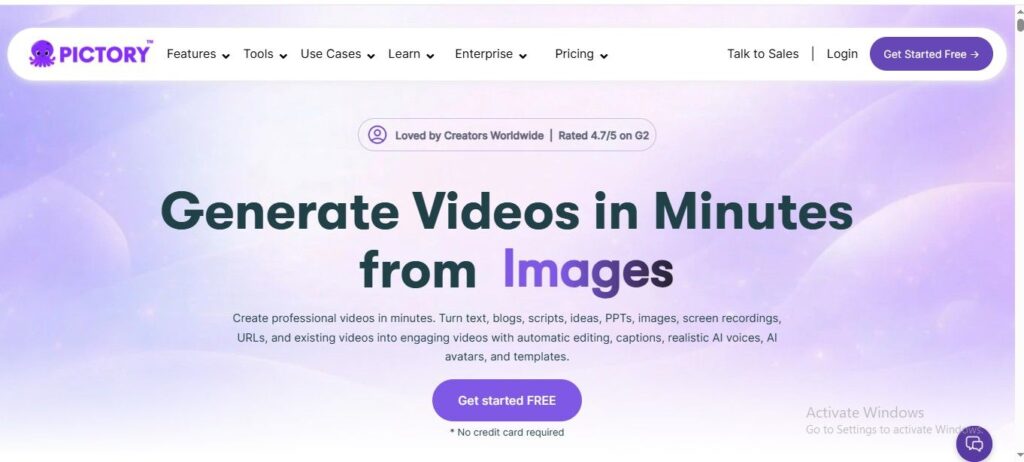
Creating videos from text can feel difficult, especially if you don’t have editing skills or time. Many students and freelancers struggle to turn their ideas into engaging video content quickly. Pictory makes this process simple by converting scripts or blog posts into professional videos with visuals, voiceovers, and captions. In this article, you’ll learn how to save time, boost productivity, and create eye-catching videos easily. It’s a great tool for bloggers and online earners who want to grow their content without technical hassle.
Features
- Converts text, blog posts, URLs, or scripts into full videos automatically with matching visuals and scenes.
- Uses AI to create voiceovers, captions, and storyboard scenes, so no editing skills are needed.
- Allows editing videos by simply editing the text, making changes fast and beginner-friendly.
- Includes a large stock media library and AI-generated visuals to enhance video quality easily.
- Can turn long videos into short highlights or clips for social media in just a few clicks.
2. Fliki
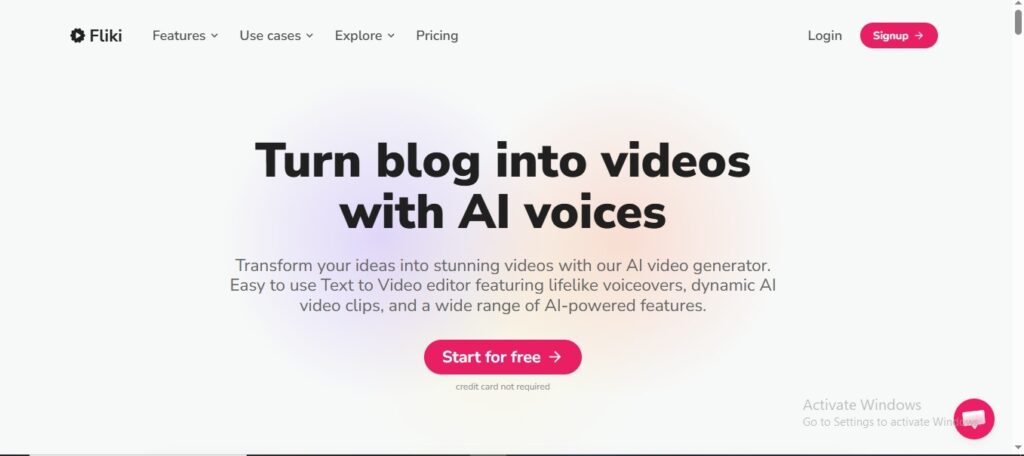
Creating videos with voiceovers can be difficult if you don’t have recording equipment or editing skills. Many students and freelancers struggle to turn their ideas into engaging content quickly. Fliki solves this by converting text into videos with realistic AI voices in different languages. In this article, you’ll learn how to create professional videos, save time, and grow your content easily. It’s a great choice for bloggers and online earners who want simple, fast video creation.
Features
- Converts text, scripts, blogs, or even ideas into complete videos with visuals, voiceovers, and music in minutes.
- Offers 2000+ realistic AI voices in 75+ languages, making it easy to create multilingual content.
- Includes AI avatars and voice cloning, so you can create personalized and professional-looking videos without recording yourself.
- Automatically adds subtitles, scenes, and stock media, reducing the need for manual editing.
- Supports blog-to-video, PPT-to-video, and social media video creation, helping users repurpose content quickly.
3. Lumen5
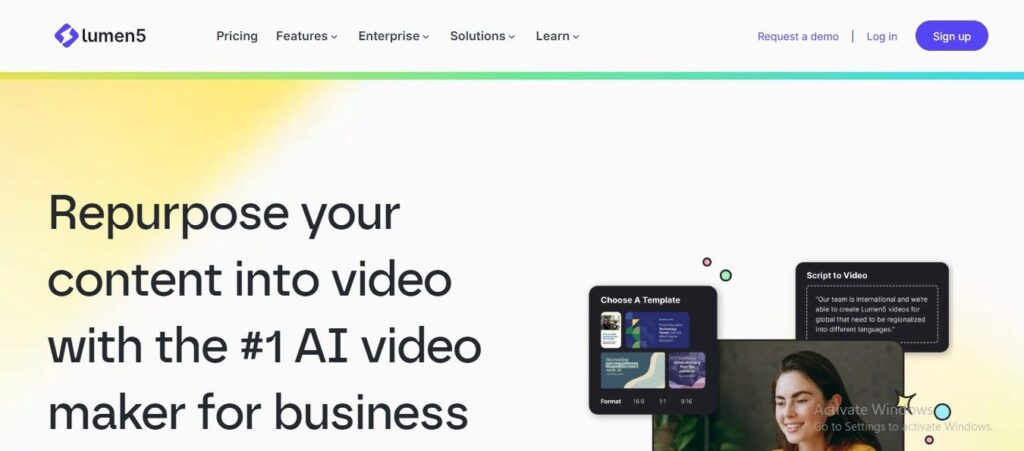
Creating engaging videos for social media can feel overwhelming, especially if you don’t have design or editing skills. Many students and freelancers struggle to turn their written content into attractive videos quickly. Lumen5 makes this easy by transforming blog posts or text into professional-looking videos with smart layouts and visuals. In this article, you’ll learn how to create eye-catching content, save time, and boost your online presence. It’s a great tool for bloggers and online earners who want fast and simple video creation.
Features
- Converts blog posts, scripts, or URLs into videos automatically by generating scenes and storyboards with AI.
- Uses smart media matching to add relevant images, clips, and music based on your content.
- Offers customizable templates with logos, colors, and fonts to keep videos consistent with your brand.
- Includes a simple drag-and-drop editor, making it easy for beginners to edit and adjust videos quickly.
- Exports videos in formats optimized for platforms like YouTube, Instagram, and LinkedIn for easy sharing.
4. Invideo AI
Creating videos can feel time-consuming and complicated—especially if you’re not a pro editor. Many students, freelancers, and online earners struggle to turn ideas into engaging video content quickly. In this article, you’ll discover how Invideo AI makes video creation fast, simple, and beginner-friendly. It helps you turn text into ready-to-publish videos in minutes, saving time while boosting your content quality. Whether for social media, blogging, or earning online, this tool can make your workflow much easier.
Features
- Generates full videos from simple text prompts, including script, scenes, voiceover, music, and transitions in minutes saving hours of manual editing.
- Supports multimodal input like blog links, PDFs, or scripts, automatically turning them into engaging video content with clear storytelling.
- Offers natural language editing, allowing users to modify videos by typing commands like “change voice” or “add subtitles,” making editing beginner-friendly.
- Includes AI voiceovers and multilingual support (50+ languages), helping creators easily reach global audiences with localized content.
- Provides access to millions of stock media assets and AI-generated visuals, ensuring high-quality footage without needing external resources.
5. Synthesia
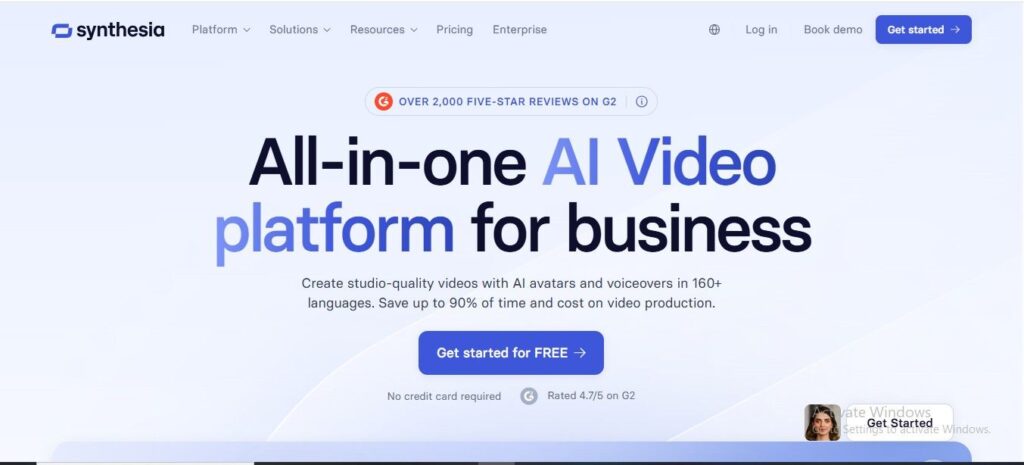
Creating professional videos can be time-consuming, expensive, and difficult—especially if you don’t have recording equipment or editing skills. That’s where Synthesia makes things simple and fast.
In this article, you’ll learn how this AI tool helps you turn text into high-quality videos with realistic avatars and voiceovers in minutes. It’s perfect for students, freelancers, and online earners who want to create content without stress. With its easy interface and multilingual support, you can quickly produce engaging videos for learning, marketing, or social media.
Features
- Turns your written script into a full video with lifelike AI avatars and natural voiceovers in minutes, so you don’t need cameras or editing skills.
- Lets you choose from hundreds of voices and supports over 160 languages, making it easy to reach viewers around the world.
- Includes ready made templates and a free media library to help you start quickly and make videos look professional.
- Allows one‑click translation and subtitles so you can share your content with different audiences without extra work.
- Offers collaboration tools and easy editing features so teams can work together and update videos fast.
6. Difference table
| Tool | Features | Free Trial |
|---|---|---|
| Pictory |
| Yes |
| Fliki |
| Yes |
| Lumen5 |
| Yes |
| Invideo AI |
| Yes |
| Synthesia |
| Yes |