Free AI Tools For Background Removal
Struggling to remove backgrounds from images can slow down your work and affect the quality of your visuals. In this post, you’ll explore the best background removal tools that make editing quick, simple, and accurate. These tools help you create clean, professional-looking images for social media, blogs, and online projects. Whether you’re a student, freelancer, or content creator, you’ll learn how to improve your designs with ease.
1. Remove.bg
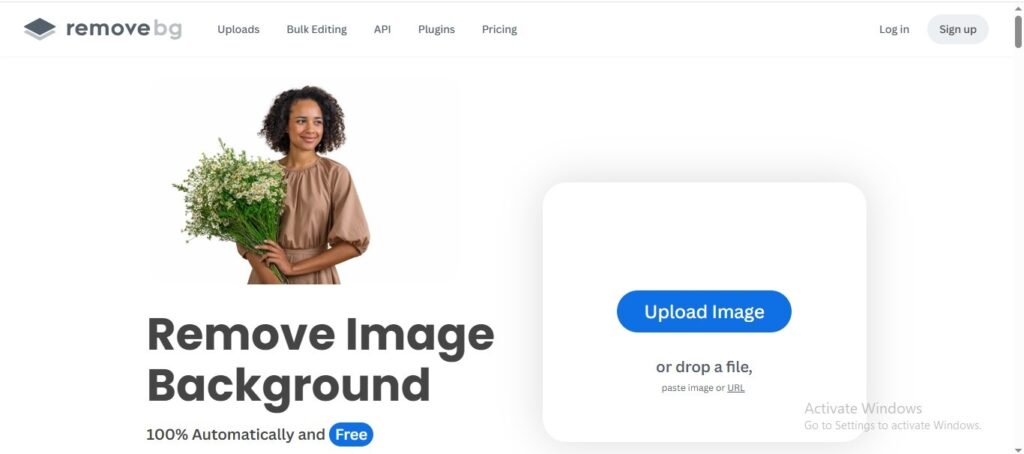
Editing images and removing backgrounds can be time-consuming and tricky, especially if you don’t have design skills. Many creators need a fast and simple way to make their visuals look clean and professional. In this article, you’ll learn how Remove.bg can help you remove image backgrounds instantly with high accuracy. It’s a great solution for students, freelancers, bloggers, and online earners who want quick results. Discover how this tool can save your time and improve your image quality in just a few clicks.
Features
- Removes image backgrounds automatically in seconds with just one click, saving time compared to manual editing.
- Includes an AI-powered Magic Brush that lets you precisely erase or restore parts of the background for better control.
- Offers tools to replace or customize backgrounds with colors, photos, or blur effects to enhance your visuals.
- Supports bulk processing and API access for faster workflows and integration with other apps.
- Features a user-friendly editor with an updated layout that makes image editing easier for beginners.
2. Slazzer
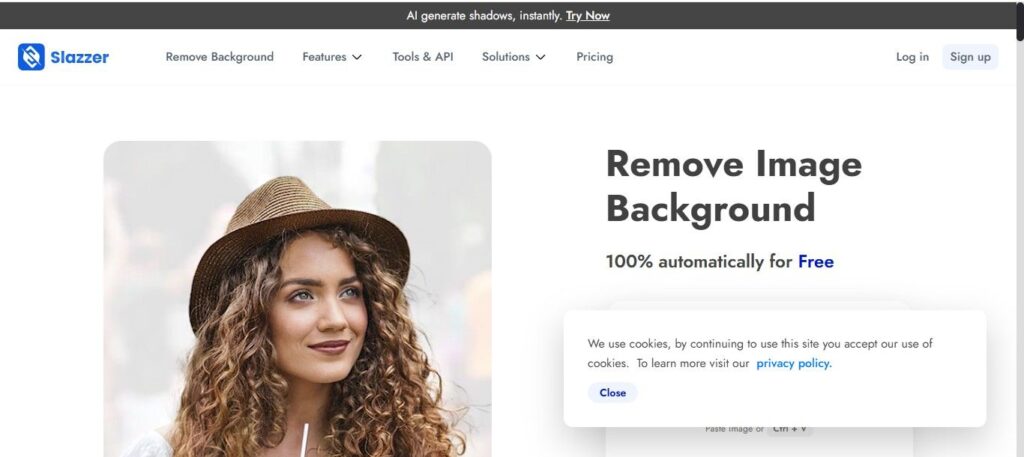
If you often struggle with removing backgrounds from images manually, it can take a lot of time and effort—especially when you need clean, professional results. That’s where tools like Slazzer make the process quick and effortless with AI-powered background removal. In this article, you’ll learn how this tool helps you save time, improve your visuals, and create high-quality images in just a few clicks. Whether you’re a student, freelancer, blogger, or online earner, it can make your workflow much easier. By the end, you’ll understand how to use it to create polished images for social media, websites, or online work without needing advanced editing skills.
Features
- Uses advanced AI to automatically remove and replace image backgrounds in seconds, saving you time on editing.
- Lets you upload or drag-and-drop images online with no design skills needed, producing clean, transparent cutouts.
- Includes additional AI editing tools like upscaling, shadow effects, and photo enhancement to improve overall image quality.
- Offers integrations and apps (web, desktop, mobile, and API) so you can work on images from different devices or in your workflow.
- Can handle many image types and complex edges (like hair or products) with precise results, ideal for social media, ecommerce, and content creation.
3. Cutout.pro
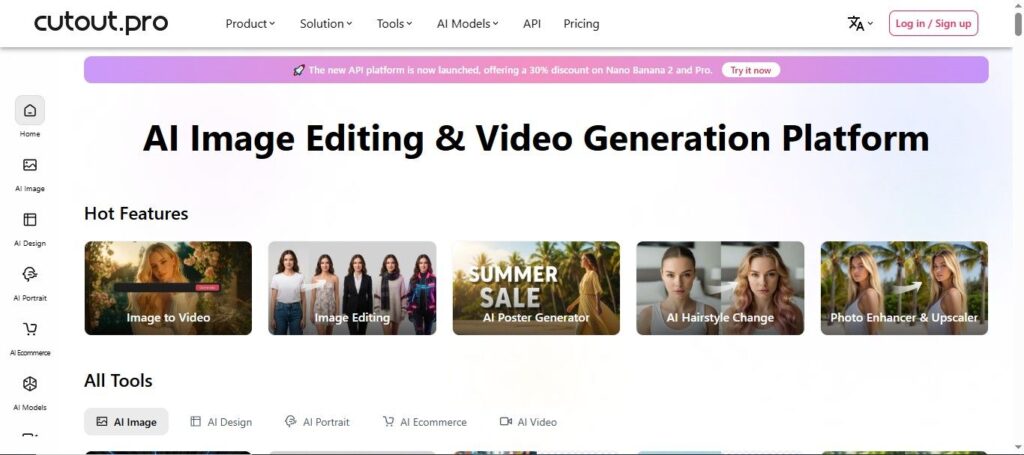
Struggling to edit images, remove backgrounds, or enhance photos without complicated software can slow down your work and creativity. That’s where Cutout.pro comes in, offering simple AI-powered tools to make editing fast and effortless. In this article, you’ll discover how it helps you remove backgrounds, enhance image quality, and create professional visuals in just a few clicks. Whether you’re a student, freelancer, blogger, or online earner, it can save you time and improve your content. By the end, you’ll know how to use it to create clean, high-quality images for social media, websites, and online projects without advanced editing skills.
Features
- Automatically removes backgrounds from photos and videos without needing green screens, making clean cutouts easy for any project.
- Includes tools for photo enhancement and upscaling, so your images look sharper and more professional with minimal effort.
- Lets you retouch photos and remove unwanted objects or imperfections with simple AI-powered editing.
- Offers fun creative options like turning pictures into cartoons, animating photos, or generating designs with AI.
- Supports batch processing and API integration, helping you edit many images at once or add visual AI features to your own apps.
4. PhotoRoom

PhotoRoom can make the process much easier. This tool helps you remove backgrounds, edit images, and create professional-looking visuals in just a few clicks. In this article, you’ll discover how it can save time, boost your content quality, and help you create stunning images for social media, blogs, or online stores. It’s especially useful for students, freelancers, bloggers, and anyone earning online who wants quick, polished results.
Features
- Uses AI to remove or replace the background of your photos automatically, so you can create clean, professional images without manual editing.
- Lets you generate or choose new backgrounds, including realistic AI-created scenes, with just a few clicks.
- Enhances image quality by improving lighting, color, and sharpness to make visuals look more polished.
- Supports batch editing so you can apply the same changes to many photos at once and save time.
- Includes creative tools like text, stickers, and design templates to help you make social posts, ads, or listings quickly.
5. Erase.bg
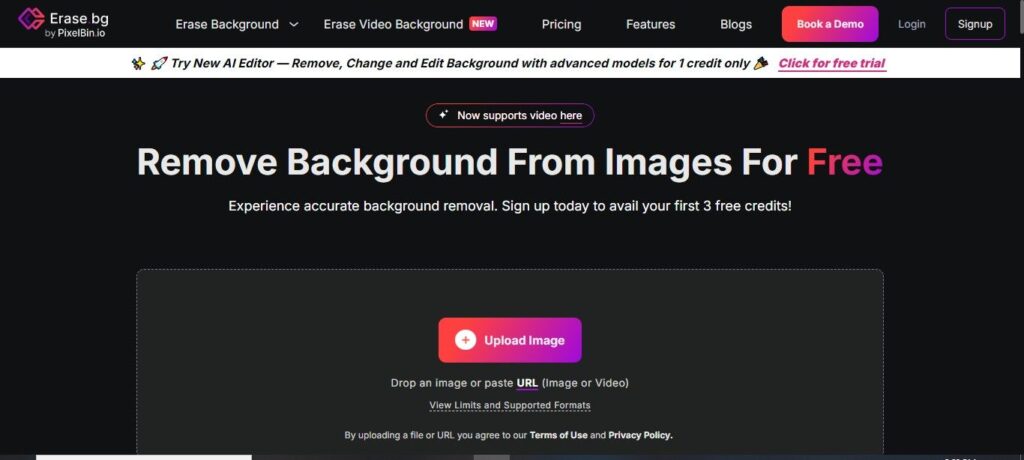
Struggling to remove image backgrounds quickly without advanced editing skills? Erase.bg makes this process simple and fast, even for beginners. In this guide, you’ll learn how it helps create clean, professional images in seconds. Whether you’re a student, freelancer, blogger, or online seller, you’ll see how it can save time and improve your visuals. It’s a helpful tool for anyone who wants high-quality results with minimal effort.
Features
- Automatically removes the background from photos using AI, giving you clean, transparent images in seconds without manual editing.
- Detects subjects accurately, even with complex edges like hair or fur, for sharper and more professional cutouts.
- Lets you replace or add new backgrounds after removal to customize your visuals for different uses.
- Works online and through mobile apps, so you can edit images anytime from your phone or browser.
- Handles multiple images and supports high-resolution outputs, helping you save time and get quality results fast.
6. Difference Table
| Tool | Features | Try for Free |
|---|---|---|
| Remove.bg |
| Try for Free |
| Slazzer |
| Try for Free |
| Cutout.pro |
| Try for Free |
| PhotoRoom |
| Try for Free |
| Erase.bg |
| Try for Free |