AI Audio Editing Tools Free
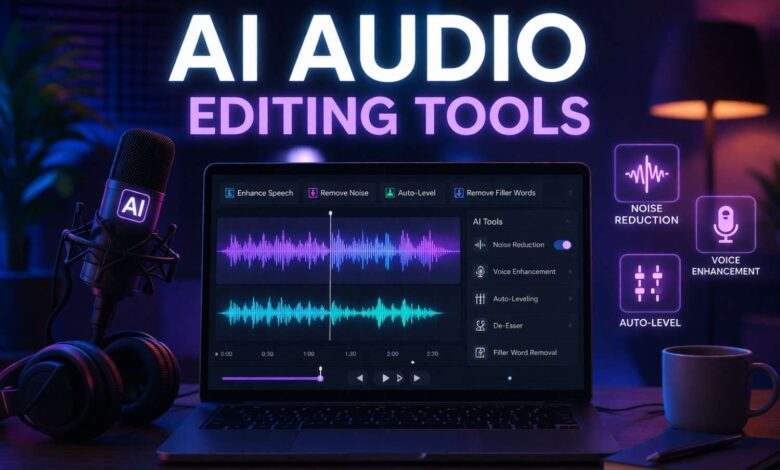
Working with audio can be time consuming, especially when you need to remove noise, improve sound quality, edit recordings manually. AI Audio Editing Tools make this process much easier by automating tasks like noise reduction, voice enhancement, and audio trimming. In this post, you’ll discover powerful tools that help you create clear, professional quality audio in less time. Whether you’re a student, freelancer, podcaster, or content creator, these tools can save effort and improve your results.
1. Krisp AI
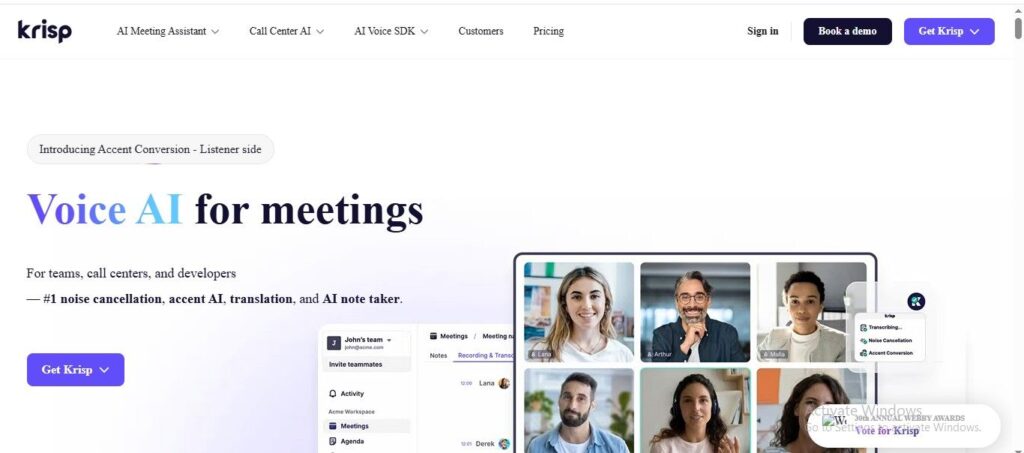
Krisp AI uses smart voice AI to clean up your sound and help you focus on what matters. In this article, you’ll learn how it can remove background noise, transcribe conversations, and even summarize meetings for you. Whether you’re a student, freelancer, blogger, or online earner, this tool can make your audio work smoother and more professional. Let’s explore how it can boost your productivity and communication quality.
Features
- Uses advanced AI to remove background noise, echoes, and distractions from your calls so your voice sounds clear and professional every time.
- Provides real-time transcription of meetings and conversations, turning speech into searchable text for easy reference later.
- Automatically generates summaries and action items from discussions, helping you focus on what matters without manual note taking.
- Offers accent conversion features that make spoken communication easier to understand across different accents.
- Works with popular conferencing apps and runs quietly in the background, improving audio quality without disrupting your workflow.
2. Cleanvoice
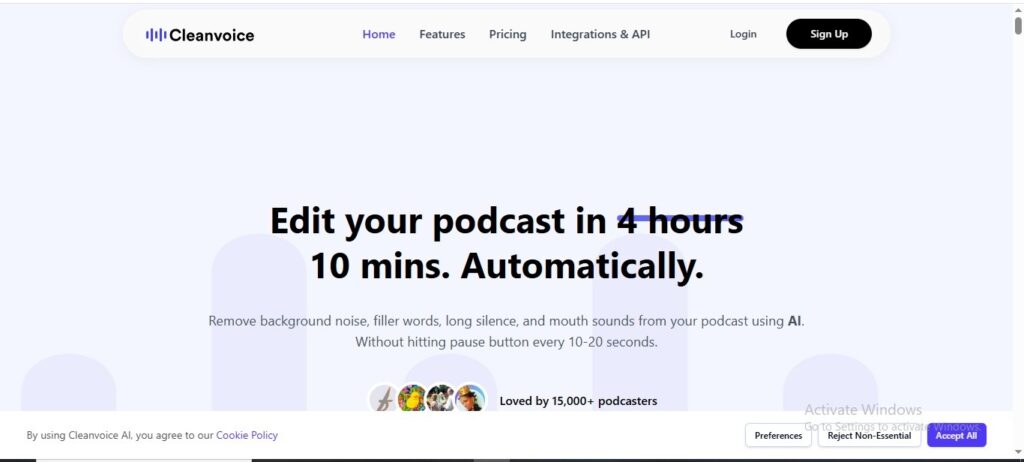
Cleanvoice helps solve this problem by automatically cleaning and improving your audio with just a few clicks. In this article, you’ll discover how this tool saves time, enhances audio quality, and makes editing easier for students, freelancers, bloggers, and online earners. You’ll learn how to create clean, polished content without needing advanced editing skills
Features
- Automatically removes filler words like “um,” “uh,” and long silences so your audio sounds smoother and more professional with minimal effort.
- Cleans up background noise, mouth sounds, breath noises, and stutters to make recordings clearer without needing advanced editing skills.
- Enhances overall audio quality by balancing sound levels and giving your recordings a polished, studio-like feel.
- Includes helpful extras like automatic transcription and podcast summaries to speed up your workflow.
- Works right in your browser with simple upload and click-to-clean tools, saving you hours of manual editing time.
3. Adobe Podcast AI
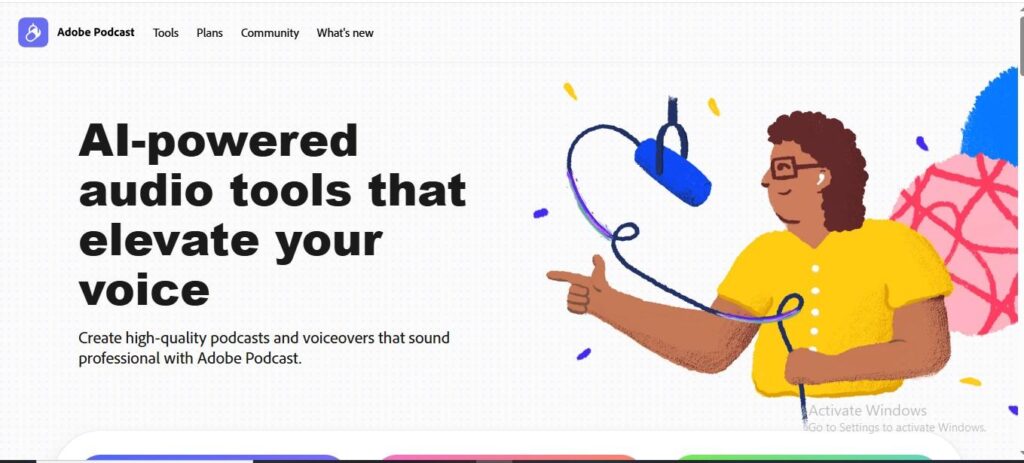
Poor audio quality, background noise, and unclear voice recordings can make even great content feel unprofessional. Adobe Podcast AI helps you fix these issues quickly and easily. In this article, you’ll learn how this tool can turn simple recordings into studio-quality audio with minimal effort. It’s especially useful for students, freelancers, bloggers, and online earners who want to create clean, clear, and professional-sounding content without complex editing skills.
Features
- Uses AI to enhance speech and remove background noise so your voice sounds clearer and more professional with minimal effort.
- Lets you record and edit audio right in your browser, including cutting and arranging clips without needing complex software.
- Automatically transcribes audio to text, making it easy to edit by cutting and pasting words like a document.
- Supports bulk uploads and strength adjustment for enhancement, saving time when processing multiple files.
- Includes mic setup analysis (Mic Check) to help you get the best recording quality from your equipment.
4. Auphonic
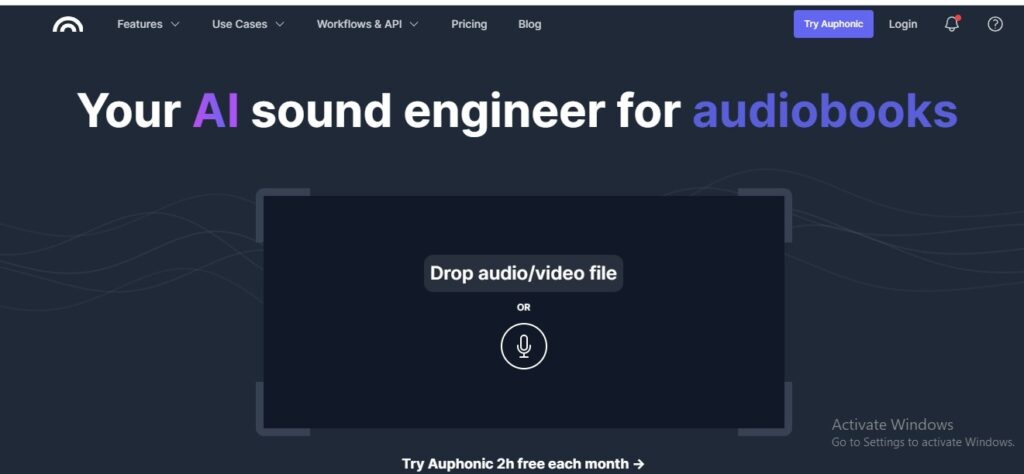
Auphonic helps automate audio processing, so you can focus more on creating content instead of fixing sound issues. In this article, you’ll learn how to easily improve audio quality, balance sound levels, and remove noise with minimal effort. Whether you’re a student, freelancer, blogger, or online earner, this tool can save you time and make your content sound polished and professional. Discover how smart automation can simplify your workflow and give your audio a clean, high-quality finish.
Features
- Balances and normalizes audio levels automatically, so voices and music stay even without manual tweaking perfect for clear, professional sound.
- Reduces noise, hum, and background distractions with AI-driven processing, making recordings sound cleaner and more enjoyable to listen to.
- Supports multitrack processing, intelligently mixing multiple audio tracks and handling ducking, gating, and crosstalk for polished results.
- Complies with broadcast loudness standards, so your audio is ready for platforms like podcasts, radio, or video without extra work.
- Includes speech recognition and metadata features, helping generate transcripts, chapters, and tags to organize and share your content easily.
5. Descript
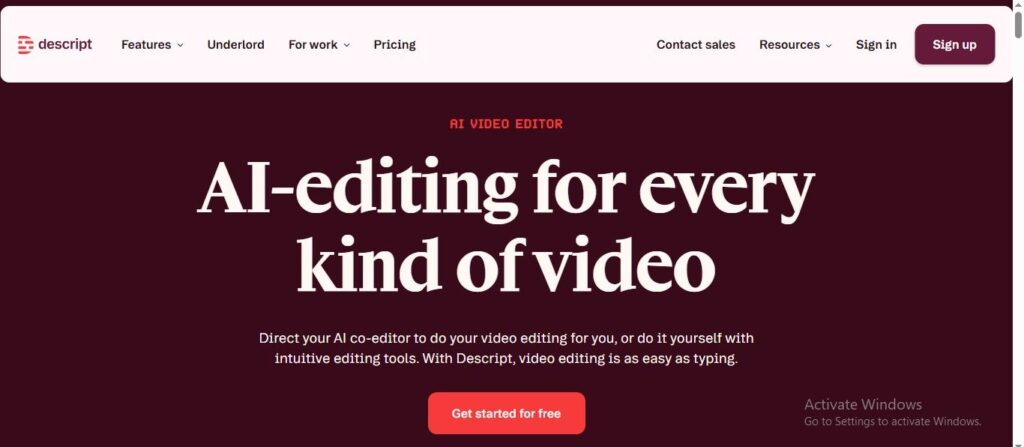
Many students, freelancers, and content creators lose time trying to cut, clean, and polish their content the traditional way. In this article, you’ll discover how Descript makes editing simple, fast, and beginner-friendly with its text-based editing approach. You’ll learn how it can help you create professional-quality content without advanced skills. This guide will show you practical ways to save time, improve your content quality, and work more efficiently as an online creator.
Features
- Edit audio and video by editing text cut, trim, and rearrange clips as easily as editing a document.
- Automatically transcribe speech into text and remove silence or filler words to make recordings sound cleaner.
- Add captions and subtitles with one click to make your content more accessible and shareable.
- Use AI to generate media like custom video clips and animated content from simple prompts.
- Organize and reuse media across projects with the new media library, saving time on uploads and editing.
6. Difference Table
AI Audio Editing Tools Comparison
| Features | Krisp AI | Cleanvoice | Adobe Podcast AI | Auphonic | Descript |
|---|---|---|---|---|---|
| Ease of Use | Very Easy | Very Easy | Easy | Moderate | Easy |
| Noise Removal | Advanced | Advanced | High | High | Basic |
| Voice Enhancement | Yes | Yes | Studio Quality | Yes | Basic |
| Transcription | Yes | Yes | Yes | Limited | Advanced |
| Automation | High | High | High | Advanced | High |
| Best For | Meetings & Calls | Podcast Cleanup | Voice Recording | Audio Processing | Editing & Content |